

Smartphone and computer basics
Settings, storage, updates, and the everyday controls that make a device behave.
SilverClicks 55+
SilverClicks provides patient, practical instruction for adults 55+ who want to use smartphones, computers, and online services with greater confidence.
What we cover
Bring your own phone, tablet, or laptop and learn on the device you actually use. We go at the pace of the room, and we repeat things as often as it helps.
Settings, storage, updates, and the everyday controls that make a device behave.
Staying in touch with family and friends, including group messages and video calls.
Taking, finding, sharing, and backing up photos so they are not lost with a device.
How to recognize a scam call, text, or email, and exactly what to do about it.
Medical portals, banking, shopping, and government services, used safely.
What these new tools are, what they get wrong, and where they are genuinely useful.
Bring your questions. Learn at your pace. Leave more confident.
How the classes work
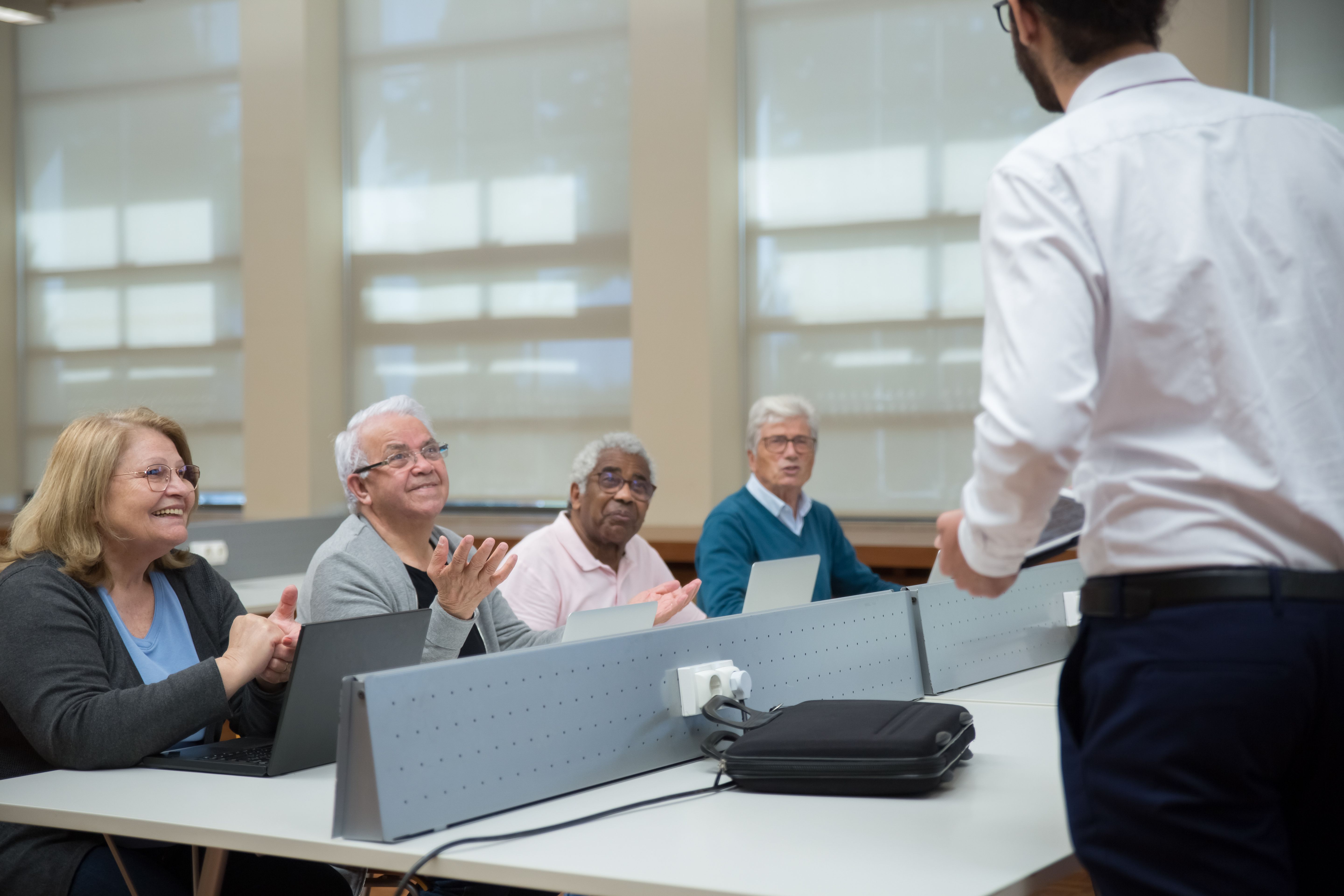
SilverClicks sessions are deliberately small so there is time for individual help. Instructors avoid jargon, write steps down, and are happy to go over something a second and third time.
For family members
Family members are welcome to attend the first session with a participant.
Larger text, seating, hearing support, or a slower pace. Call 757-577-1016 and we will arrange it.
Scam awareness is part of every SilverClicks track, not an optional extra.
Add your name and we will contact you as soon as the next session is scheduled. If you prefer to talk it through first, call us. A person answers.